Example of
download of a Zip file
(Windows operating system)
in the 'Save in' window at the top and click 'Save'.

|
Example of
download of a Zip file |
|
|
|
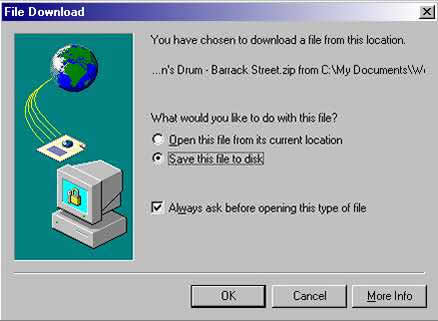
When the file link on the Download Page is clicked, this dialogue box will open. Make sure that 'Save this file to disk' is selected and click OK. |
|
|
|
|
|
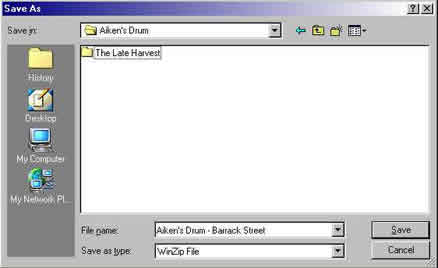
This dialogue box opens.
Choose a destination folder in the 'Save in' window at the top and click 'Save'. |
|
|
|
|
|
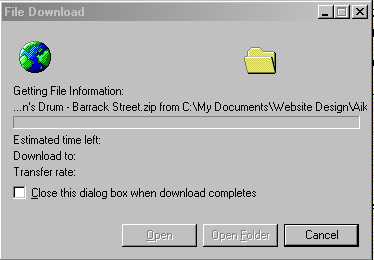
Download will then commence and a blue progress bar will move across the slot. |
|
|
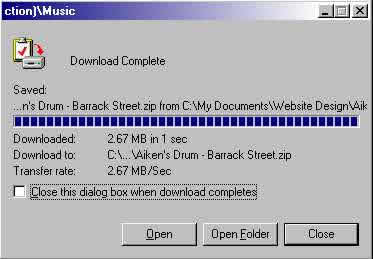
When download is complete, click 'Close'. |
|
|
|